




























close
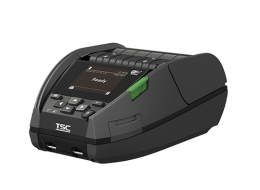
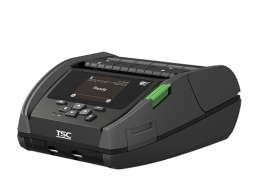
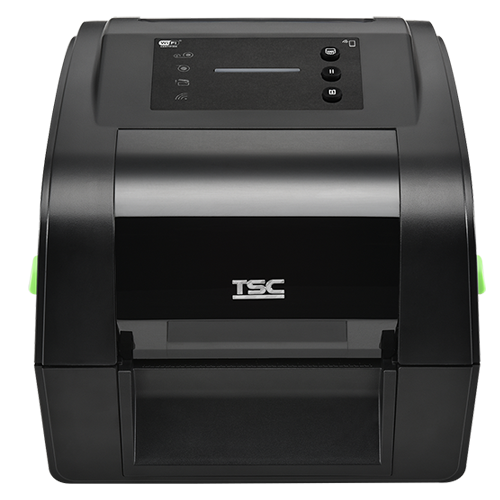
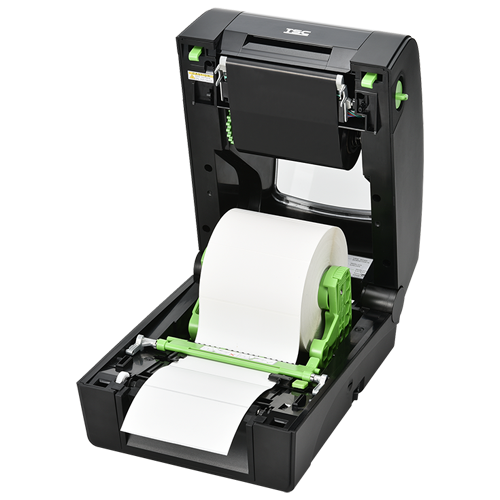
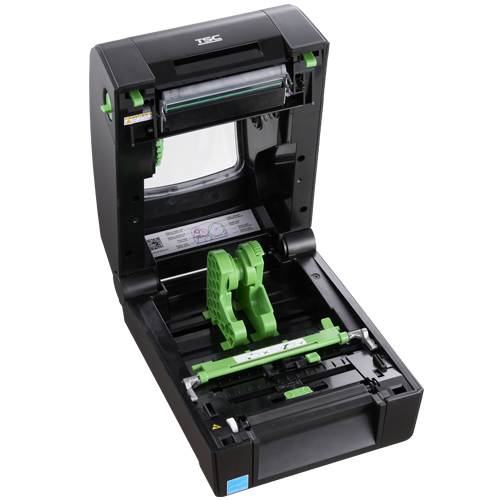
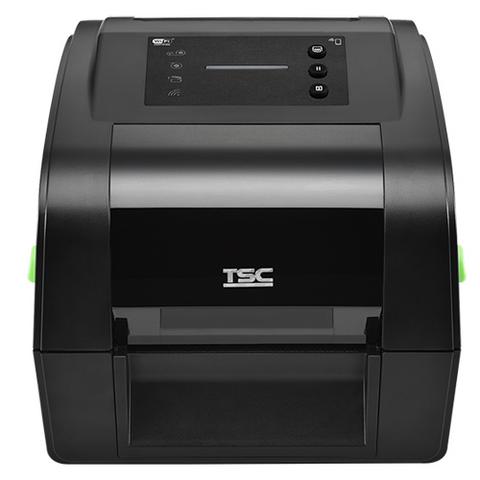
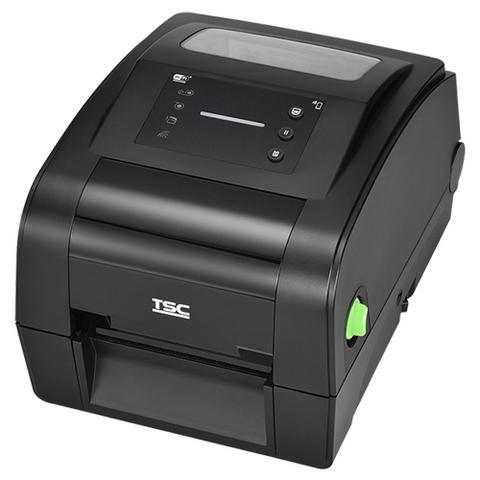
TH Series 4-Inch Durable Desktop RFID Printer
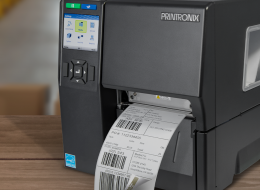
The 4-inch TH Series thermal transfer desktop barcode printers deliver versatile, flexible performance for a wide range of printing applications. Designed to handle diverse labeling requirements, the TH Series supports challenging media types including select on-metal tags, long labels, small-format labels, thick labels, and specialized labels used across vertical markets.
Industries and Applications

Retail

Transportation & Logistics

Warehouse & Fulfillment

Entertainment & Hospitality

Food & Beverage

Healthcare

Product and Item Labels

RFID On-Metal Labels

RFID Standard Labels

Shipping and Logistics
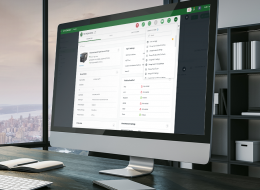
The TH Series delivers true plug-and-play simplicity with advanced printer language emulation. Its intelligent firmware automatically recognizes major printer languages and starts printing immediately—without requiring changes to existing label templates. To help reduce operational downtime, the TH Series includes comprehensive printer management capabilities such as the Internal Embedded Webpage, Virtual Control Panel, TSC Console Web, TSC Console, and SOTI Connect. Additional features like printer shutdown prevention and network security configuration support enable efficient, secure printer management across operations.
The TH Series scales up applications with a wide media width, high-precision printing, and several addable future-proof options for diverse barcode labels, receipts, wristbands, and UHF and HF RFID applications. This empowers businesses to adapt to changing requirements for present and future operations. The printer minimizes its environmental impact with 100% recyclable packaging and case, and over 90% of its components are recyclable at end of life.


Flawless Integration, Simplified Deployment
- Out-of-the-box auto-switch print language emulation
- User-friendly and convenient label printing with TSC Standalone Creator and TSCPRTGo
Cutting Downtime, Enhancing Uptime
- Real-time remote printer monitoring and management with the Internal Embedded Webpage, virtual control panel, TSC Console, and SOTI Connect
- Downtime prevention with self-diagnostic TPH Care, TPH (thermal printhead) maintenance, and ribbon low warning
- User-friendly design: self-diagnostics, toolless TPH and platen roller replacement for easy maintenance
- Supports network security configurations: HTTPS, SNMPv3, 802.1X, and TCP/IP Port 9100 filter
All-Purpose, Future-Ready Print Quality
- 15mm to 120mm wide media width for diverse media types, optional narrow media adaptors support the narrow label width to 10mm
- High-precision print quality with innovative label stabilizing media damper and adjustments in vertical DPI, heater line, and TPH pressure
- Future-proof upgrades: Wi-Fi, Bluetooth, cutter and peeler modules, care label cutter, linerless tear-off and linerless cutter kits
- UHF RFID functionality: Encode During Print boosts efficiency, diverse label support, and auto calibration for easy setup
Environmentally Sustainable Printer
- 100% recyclable packaging with FSC-compliant cartons
- 100% recyclable plastic printer casing made with 30% recycled plastic
- 90%+ of printer components are recyclable
Customized Healthcare Design
- Perfectly suited for healthcare environments with a crisp white and bright full-color scheme
- Vastly reduces the risk of contamination with an antimicrobial, easy-to-disinfect casing for effortless cleaning
- IEC 60601-1 Medical-Grade Compliant Power Supply, ensuring safe and reliable use in healthcare facilities
- 203 dpi (8 dots/mm)300 dpi (12 dots/mm)
- Direct thermal/Thermal transferDirect thermal/Thermal transfer
- LED with buttonsLED with buttons
- Ethernet
Serial RS-232
USB
USB HostEthernet
Serial RS-232
USB
USB Host - Bluetooth
Bluetooth MFi
Wi-Fi
Wi-Fi with BluetoothBluetooth
Bluetooth MFi
Wi-Fi
Wi-Fi with Bluetooth - TSC Console
SOTI Connect (license required)TSC Console
SOTI Connect (license required) - DesktopDesktop
- Up to 8 ips (203mm/s)Up to 6 ips (152mm/s)
- 4.25" (108mm)4.16" (105.7mm)
- 1,000" (25,400mm)450" (11,430mm)
- 128 MB SDRAM128 MB SDRAM
- 128 MB128 MB
- Guillotine cutter (full cut and partial cut)Guillotine cutter (full cut and partial cut)
- 5" (127mm) OD5" (127mm) OD
- 0.59" - 4.72" (15 - 120mm)0.59" - 4.72" (15 - 120mm)
- Continuous, die-cut, black mark, fan-fold, notch (outside wound)Continuous, die-cut, black mark, fan-fold, notch (outside wound)
- 300 meters300 meters
- 1.6" - 4.3" (40 - 110mm)1.6" - 4.3" (40 - 110mm)
- 1" - 1.5" (25.4 - 38.1mm)1" - 1.5" (25.4 - 38.1mm)
- Clamshell with double-walled plasticClamshell with double-walled plastic
- TSPL-EZDTSPL-EZD
{[{ key }]}
Title
Date
Size
Download
{[{ value.title }]}
Can I use the printer while the battery pack is charging?
Yes. You can operate the printer while the battery pack is charging.
Does the print performance degrade when operating on battery power compared to using an external power supply?
No, operating on battery power does not affect the print performance. The printer can still print at full speed, adjust print density, and work with optional accessories when running on battery power.
How easy is it setup the TH240 for different RFID labels?
The TH240 RFID printer has an RFID label calibration feature in the RFID menu which makes it very easy to setup the printer for different RFID labels. The calibration process feeds three labels to determine the optimal encoding position and power levels.
Please refer to the "How to calibrate the RFID tags" video.
What RFID labels are supported?
The TH240 supports a wide range of UHF inlays and labels. Check the support section of our website for a sample listing.
What type of charger should be used to charge the battery module?
Use the 90W power adapter supplied with the TH240 or DH240 printers, or the 60W power adapter supplied with the TH220 or DH220 printers to charge the battery. When using the power adapter supplied by TSC, the battery pack can be fully charged in approximately four hours under normal ambient temperatures.
Please note: Do not use non-TSC power adapters to charge the battery pack, as it may damage the battery.
When does the battery pack need to be replaced?
- The battery is not functioning properly.
- The battery exhibits visible physical damage.
- The battery has undergone over 550 charge cycles.
- The battery can only hold less than 80% of its original capacity.
- The battery discharges too quickly.
- Fully charging the battery is taking longer than expected.
Which printer series/models are supported by the BP-4000 smart battery station?
At present, the BP-4000 smart battery station is compatible with the following printer series/models: TH240, TH340, DH240, TH340, TH220, TH320, DH220 and DH320.
*Please note that the DH220E printer is not equipped with a USB host port. As a result, the BP-4000 smart battery station cannot support the DH220E printer.
Why is the printer not powering on after turning on the power?
Please follow the steps below to power on the printer.
- Check that the power supply cable at the rear of the battery station is securely connected to the printer’s power port.
- Press the power button located on the front of the battery pack to activate the battery. If the LED indicator on the battery pack shows low battery power, please connect an external AC power source to charge the battery.
- Turn on the printer.